
A release adds a new database column and updates the application to use it. During deployment, some instances run the new code while others still run the previous version. A background worker may keep the old version even longer. The migration has to support that overlap, including what happens if the team needs to roll the application back.
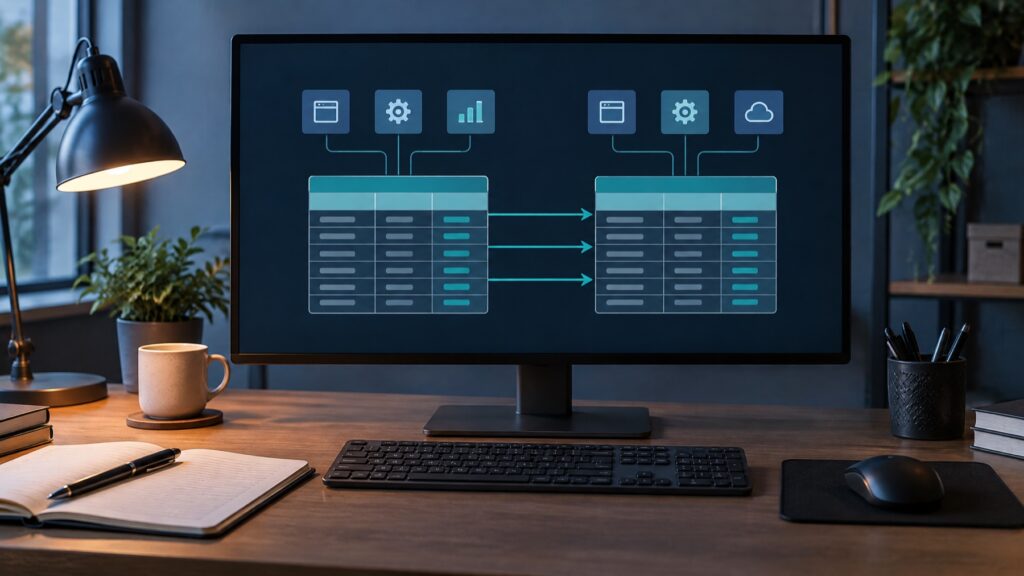
Map the versions that can touch the data
List the readers and writers before designing the migration. Include web requests, queue workers, scheduled jobs, reporting queries, integrations, and administrative tools. Record when each can change version and how long old processes may remain active. A deployment that replaces the web fleet quickly can still leave a long-running job using yesterday’s schema assumptions.
Choose a concrete compatibility requirement. For an illustrative customer table, the team might replace a single display-name field with a preferred-name field. Write down what the old application reads and writes, what the new application needs, and how both versions should handle a record created during the overlap. Include null values, empty strings, and any conversion that loses information.
Add the new representation before removing the old one
Plan the change in stages that leave the application usable between deployments. Add the new structure, introduce a defined compatibility path, populate existing records, switch reads when the data is ready, and remove the old structure after its callers have retired. Prisma’s migration guide describes this expansion and contraction pattern. Adapt the sequencing to the database and migration tooling your team actually runs.
Decide how concurrent writes keep the representations consistent. The answer could involve application logic, a database mechanism, or a maintenance window, depending on the system. State which value is authoritative at each stage. If a worker copies an old value after a user has updated the new value, the backfill can overwrite a legitimate change. Use a condition or version check that detects that race, and make the operation safe to resume.
Give the backfill its own completion evidence. Record how many eligible rows remain, which records failed conversion, and how exceptions will be resolved. Compare representative records through the application’s normal reads. A successfully executed migration file does not by itself establish that every required record has the right value.
Rehearse the database work under realistic load
Inspect the database operation as well as its SQL syntax. A schema change can wait for locks, scan rows, or rewrite data. The PostgreSQL ALTER TABLE documentation details lock behavior and the work required by different subcommands. Check the documentation for the installed database version and the exact operation. A fast change against an empty table gives little information about a busy production table.
Accelerate Your Engineering Velocity
Looking to scale your infrastructure, implement enterprise AI automation, or secure critical cloud dependencies? Partner with MyNew Technologies LLC to engineer robust technical systems built for enterprise efficiency.
Request Technical ConsultationRehearse with representative data volume and concurrent activity. Watch lock waits, query latency, transaction duration, replica lag, and capacity used by the backfill. Define when to pause and how the work will resume. Choose batch sizes and execution windows from those observations. If a backfill is interrupted, the next run should identify the remaining work without repeating a costly or destructive transformation.
Keep cleanup visibly separate in the release plan. GitLab’s guidance on avoiding migration downtime documents why operations such as renaming columns require coordination with application versions and why larger data moves may need batched background work. Its specific helpers belong to GitLab’s stack, but the compatibility problem applies to any deployment with overlapping versions.
Make rollback and cleanup explicit decisions
Test the previous application version against the expanded schema and against data written by the new version. Rollback needs both to work. If the new representation allows values the old application cannot understand, document that boundary before rollout. A backup can support recovery, but restoring it is a different operational decision from restarting the previous application.
Remove the old column or table only after the owning team has evidence that its readers and writers have stopped using it and the agreed rollback period has ended. Track cleanup as a release task with an owner. Leaving it indefinitely makes the next change harder to reason about.
For the next schema change, bring a version map, the intermediate states, and the backfill completion check to review. Teams planning a modernization can use our Contact Us page to describe the affected application and deployment process.